 GENJUTSU
Gallery
Motion Transfer Examples
Browse Genjutsu looks, then generate with your own image and reference video in the studio below.
Tip: keep the person a similar size and framing in the photo and the motion video.
720p · K3
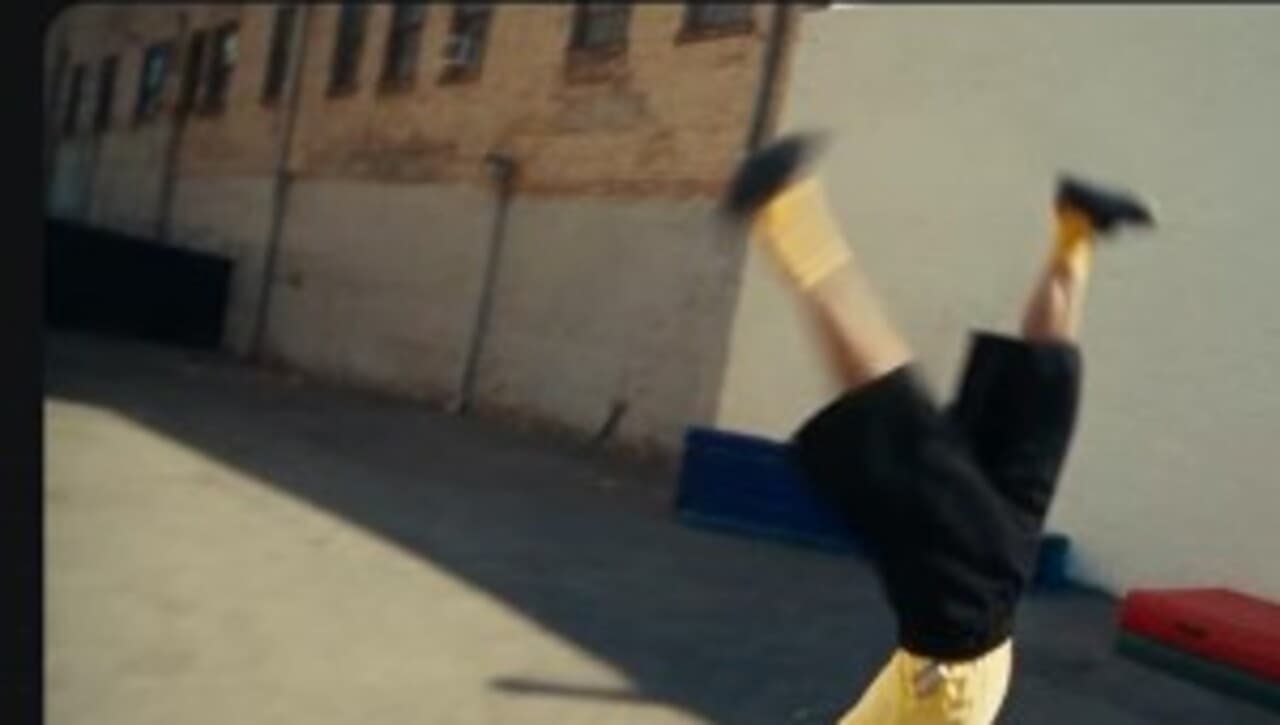
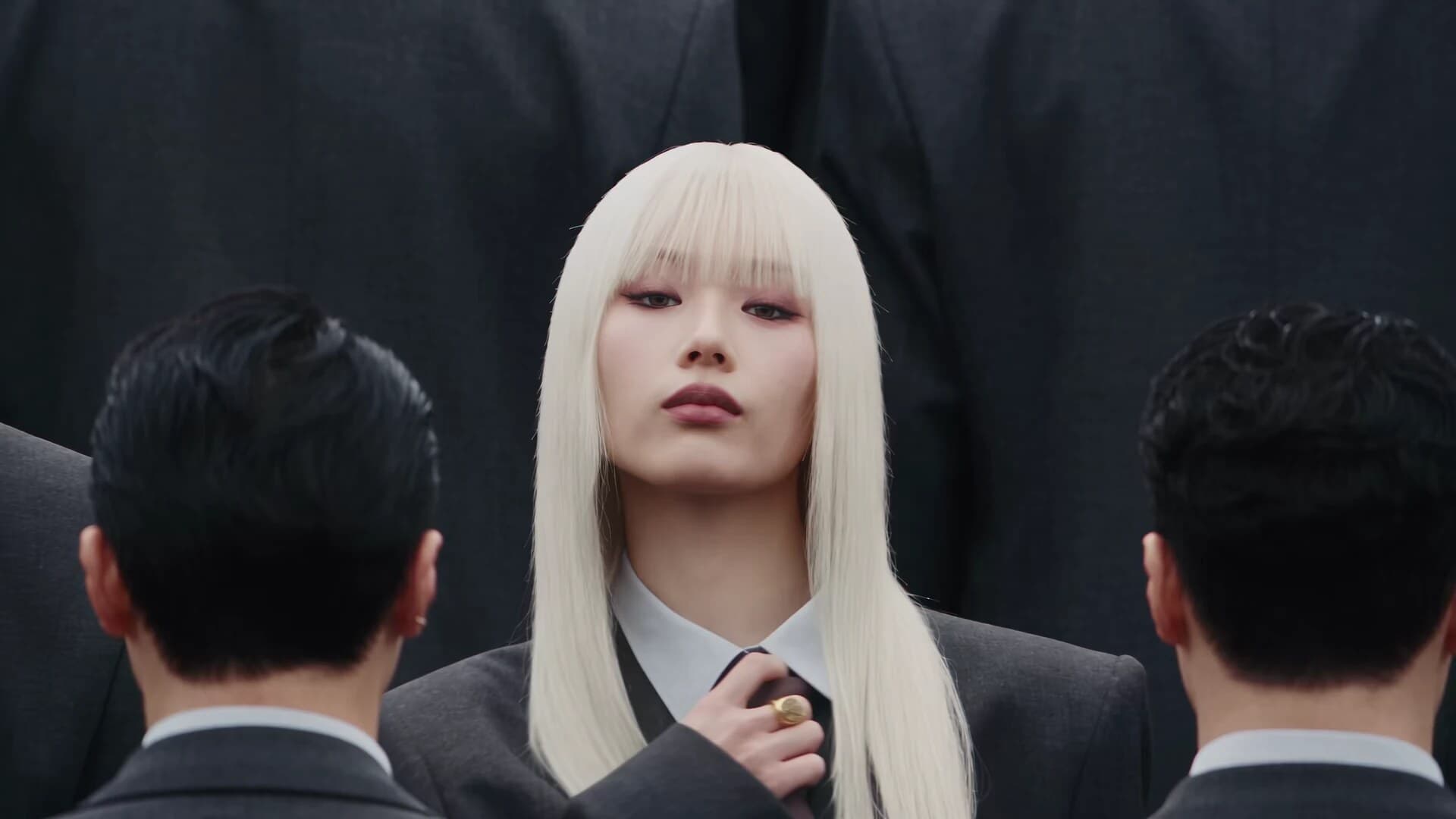
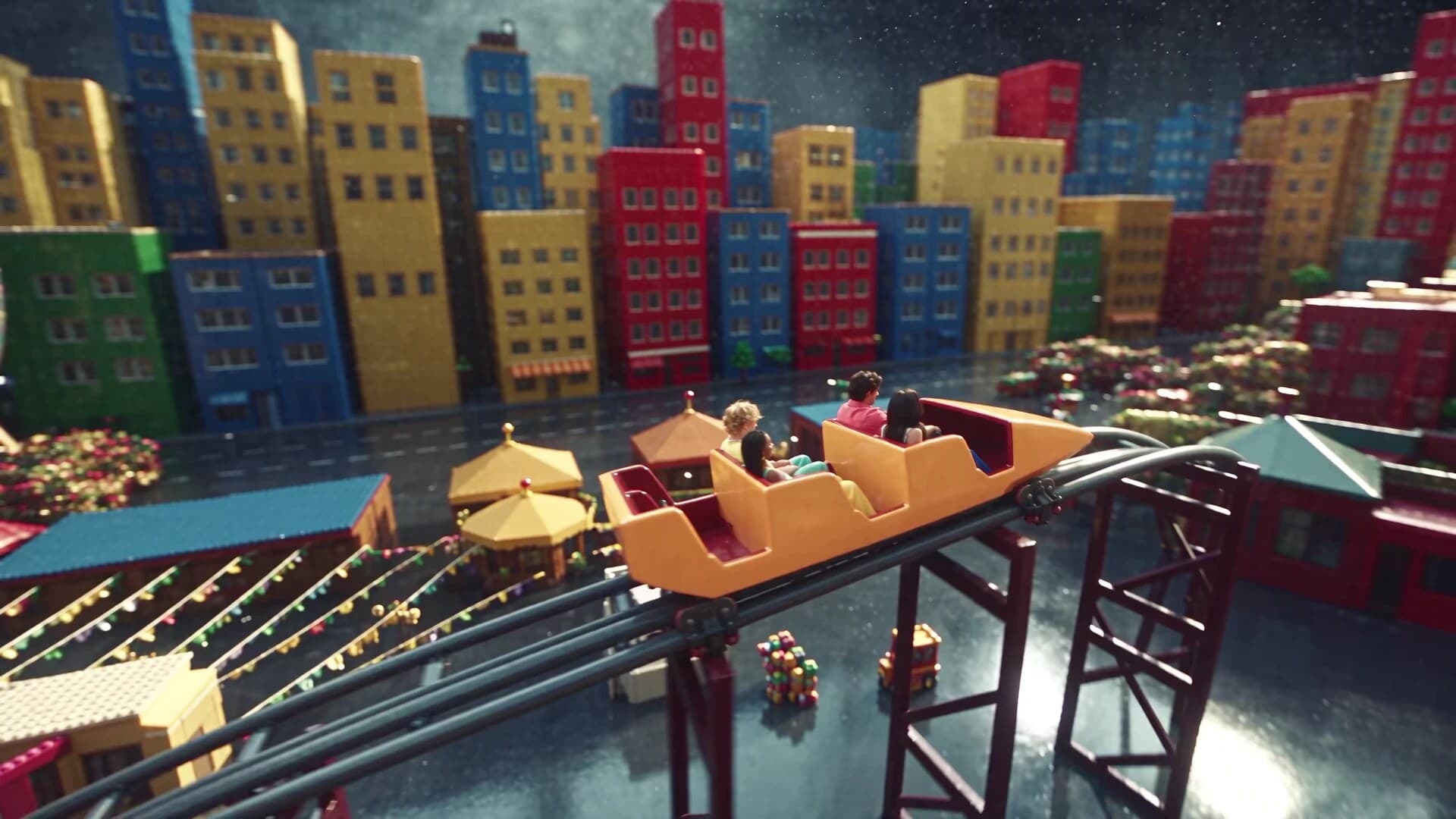
How to recreate an example
Pick a look that matches the energy you want — flip, recast, or a new-world restyle. Lock a clear character or product still, then upload a short motion reference with readable poses. Generate in the studio above after login; iterate the still before you change every other variable.
For keyword landings tied to specific jobs, see AI motion transfer, free dance video, and UGC video generator.
FAQ
- What are these Genjutsu examples?
- They are motion-transfer looks from the same clip library used in the studio — styles like Flip, Recast, and New world that show how a still can inherit performance from a reference.
- Can I generate the same style with my own assets?
- Yes. Use the studio on this page: upload your character or product image, add a motion reference, and generate after login. Credits scale with motion length.
- Do I need an account to try examples?
- Browsing the gallery is free. Real generation needs login. New accounts get 50 welcome credits for studio runs.
- What is the difference between Examples and Motion Transfer?
- /examples is the gallery of looks plus a live studio. /motion-transfer is the SEO support page that explains the building blocks and FAQ for the AI motion transfer query.
- Where should I go for dance, UGC, or pet clips?
- Dance → /dance-video. UGC ads → /ugc-video-generator. Pet dance → /ai-pet-dance. Avatar → /avatar-video-generator. Influencer batches → /ai-influencer.