 GENJUTSU AI
What is AI motion transfer
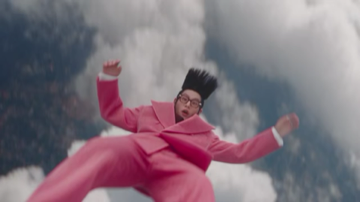
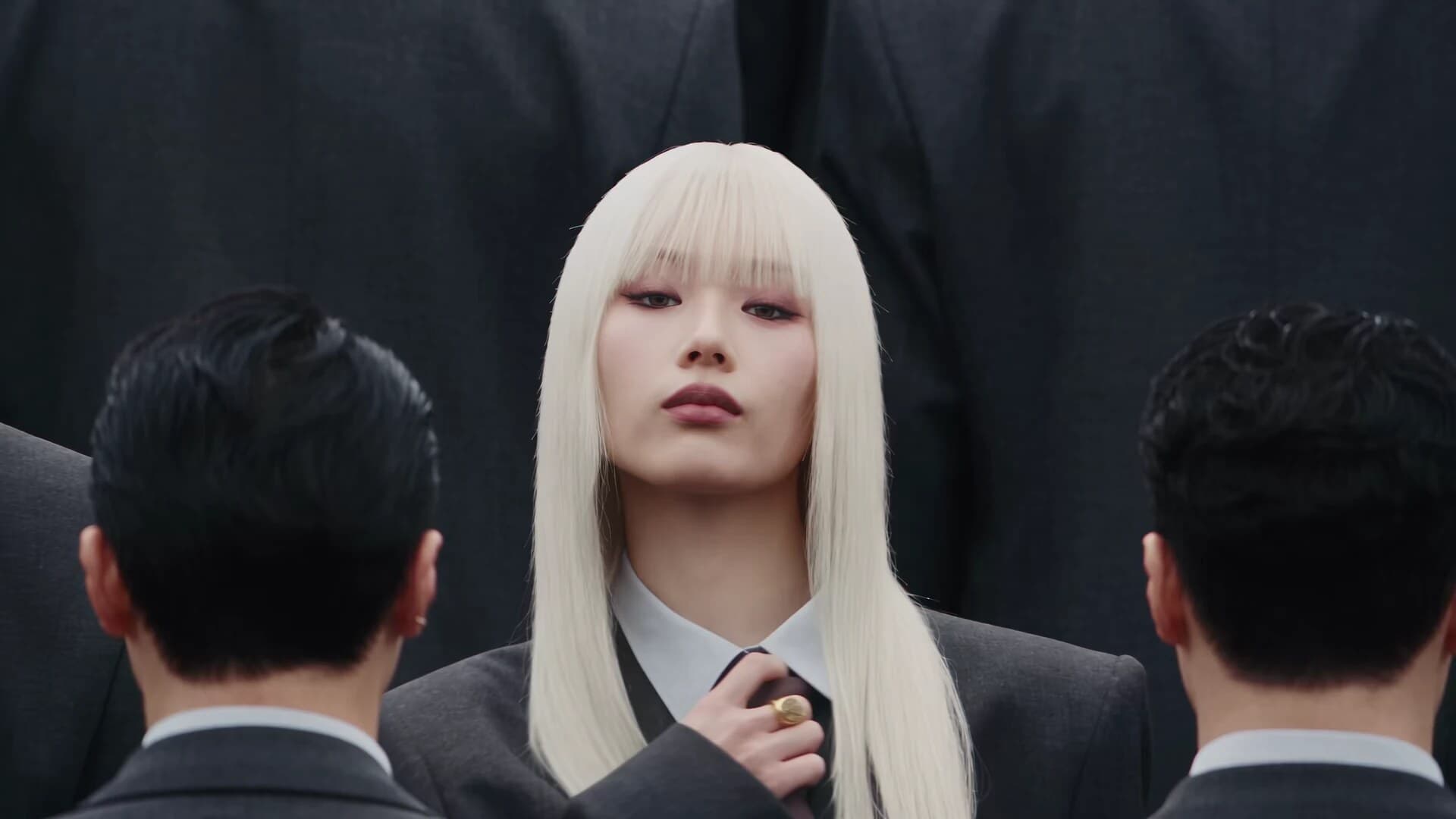
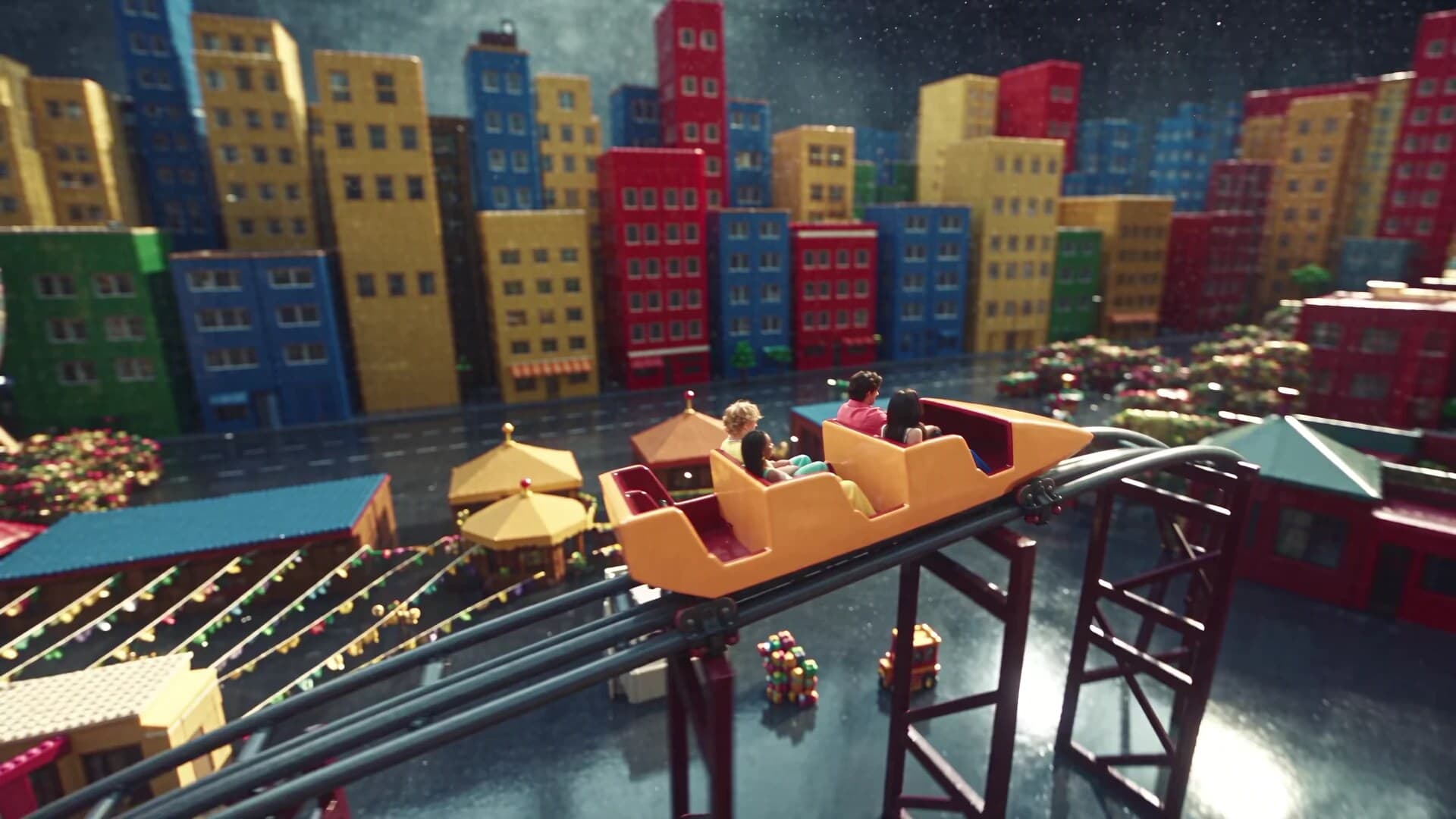
AI motion transfer creates a new video from two inputs: a reference image of the subject you want on screen, and a reference video that already contains the movement. The model reads pose, timing, and camera energy from the clip, then applies that motion to your image. The result keeps your character, product, or identity while following the performance in the reference.
Unlike text-only image-to-video, you are not asking a prompt to invent the choreography. Unlike a simple face swap, the goal is full-body timing and camera feel from a real clip. On Genjutsu, that workflow lives in the studio above: upload an image and a motion video, optionally enable a prompt, choose a resolution, and generate. Credits follow the length of the uploaded motion video.
Open the studio, read how motion transfer works, browse examples, or check pricing.
Use cases
Same workflow — reference image plus reference video — different jobs.
Turn a Still Image Into a Dance Video
Start with a clear still of a person or character, then add a short dance clip as the motion reference. AI motion transfer maps the footwork, arms, and rhythm onto that image so you can produce an AI dance video without reshooting the performance.
Results are strongest with a readable full-body reference and a front-facing still that matches the angle you want. Use this for social reels, music creatives, or quick tests before a live shoot. See the dance video use-case page for the full workflow.
AI Motion Transfer for Product Images
A pack shot or hero product still is static. With motion transfer—or Object Swap when you mainly need the held item replaced—you can attach that product image to a reference of a turn, hand demo, or lifestyle move.
Keep the product large and clear in both the still and the reference. This is useful for short product loops, landing-page heroes, and UGC-style demos. Browse Examples for look-and-feel inspiration, then generate in the studio with your own assets.
Create AI Influencer Videos at Scale
Consistent AI influencer videos need a stable identity. Lock a character image you trust, then run many reference performances—walks, gestures, dance, unbox—through the same face and body.
Vary the motion file, not the character sheet, so a week of posts can come from one identity set. Genjutsu’s studio history helps you compare takes in a session. Learn more on the AI Influencer page, then generate from the homepage studio.
Film-Style Character Recasting
When blocking and camera move are locked but the on-screen talent needs to change, character motion transfer recasts the performance onto another subject while keeping timing from the reference.
Treat outputs as previz, social cuts, or pitch tools unless you grade and composite further. Clear silhouettes and limited occlusion hold better. Read the motion transfer overview, then try the live studio with your own plate and still.
AI Virtual Models for Ecommerce
Catalog and fashion teams often need fabric swing, turns, or walk-bys without shooting every SKU on a live model. Upload a lookbook still or digital model, then a walk or turn reference to produce an AI ecommerce video stand-in.
Prefer Motion Transfer when the still is the hero identity; prefer Object Swap when the source video already has a person and you mainly want clothes or a product replaced. Always follow your brand’s disclosure rules for synthetic talent.
Create UGC-Style AI Video Ads
Performance ads burn through demo and walk-and-talk variants. Reuse a winning camera pattern from a reference clip, then recast it with a new face or product still to create UGC-style AI advertising video without another filming day.
Generation is billed by motion length, so A/B tests stay predictable: same hook length, different images. Check Pricing for packs and welcome credits, then iterate in the studio preview.
What Can You Create With AI Motion Transfer?
Short-form and catalog-style clips from the same image + motion workflow.
AI Influencer Videos
Keep one identity consistent across many performances.
Dance Videos
Map choreography from a reference onto a still character.
Product Videos
Turn a pack shot into a short motion loop or demo.
Fashion Videos
Walks, turns, and fabric motion for lookbook-style clips.
UGC Ads
Recast a proven camera pattern with a new face or product.
Character Videos
Illustrated or digital characters performing real motion.
Ecommerce Videos
Virtual model stand-ins for PDP and shoppable creatives.