 GENJUTSU
01
Performance you already trust
The camera pattern and gestures come from your reference clip — not a random AI actor inventing timing.
Use case · UGC
Make creator-style UGC ads from a still + a real phone-native performance. Keep the hook timing; swap the face or product.
Tip: keep the person a similar size and framing in the photo and the motion video.
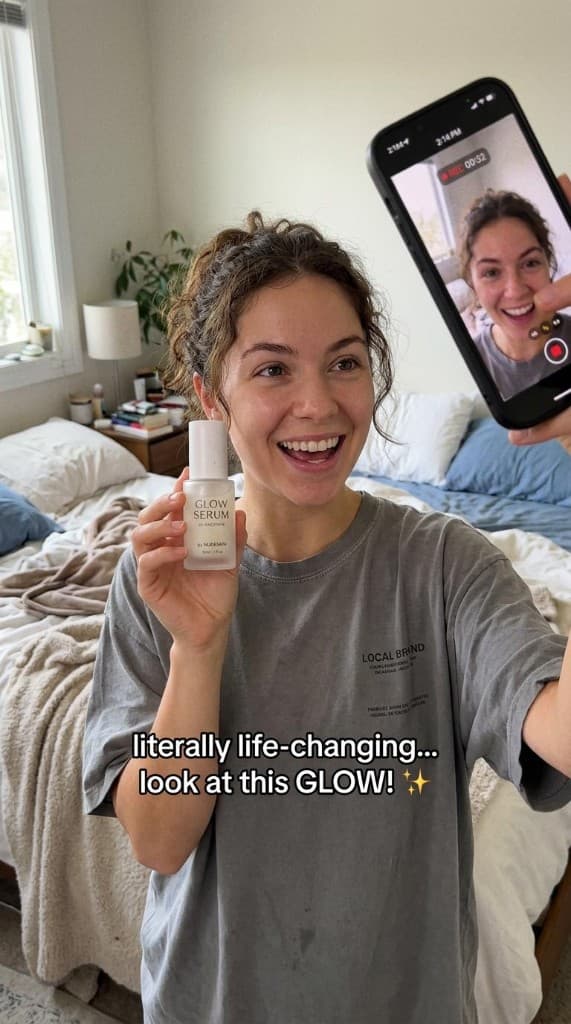
Case
A virtual creator presents your product and explains its benefits — ideal for skincare, cosmetics, and ecommerce.
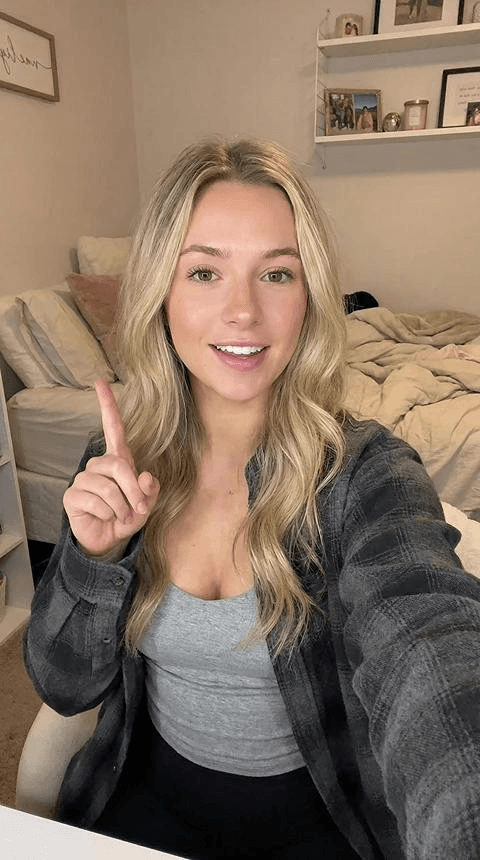
Case
Enter your ad script and have a virtual creator speak to camera with voiceover and captions.
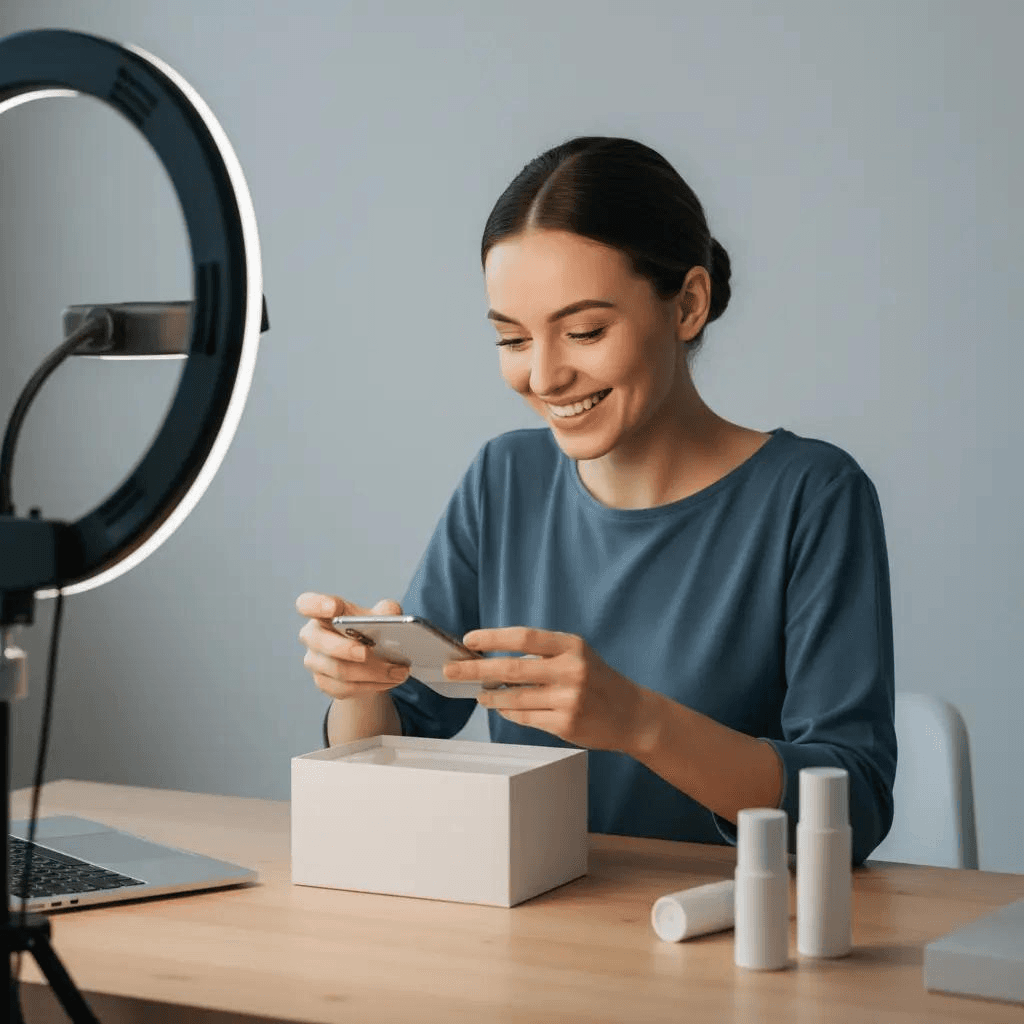
Case
Generate scenes for unpacking, showcasing the product, and using it — ideal for unboxing and product experience clips.
01
The camera pattern and gestures come from your reference clip — not a random AI actor inventing timing.
02
Lock a spokesperson or product image, then batch hook variants without booking another creator day.
03
Same hook length, different stills — A/B costs stay comparable while you hunt ROAS.
An AI UGC video generator usually means “make creator-style ads without a full shoot.” Genjutsu’s path is reference-driven: upload a talent or product still, upload a UGC-style performance (walk-and-talk, unbox, demo), and motion transfer maps that performance onto your subject.
That is different from prompt-only avatar tools that invent a talking head from a script. Here the job is fidelity to a plate you already know converts — then recast it for new SKUs, faces, or angles.
1) Sign up or log in (new accounts get welcome credits). 2) Prefer 9:16 phone framing in the reference. 3) Keep the product or face large in the still. 4) Generate from the homepage studio — not the layout demo on /motion-transfer. 5) Iterate stills first; only change the plate when the hook is proven.
Use Object Swap when the plate already has hands and you mainly need the held product replaced. Use Motion Transfer when the still is the hero identity.
Choose this page’s workflow when you have (or can film once) a winning camera pattern and need volume from new faces or products. Choose a talking-avatar suite when you need lip-sync scripts with no motion plate at all.
Stay on this URL for the query “AI UGC video generator.” Dance free-tier intent lives on /dance-video; pet niche on /ai-pet-dance; talking avatars on /avatar-video-generator.